The HEA-World Platform

Build, test, observe, and improve your AI agent β€” all in one place.

From content ingestion to live conversation analytics, HEA-World gives you full control over your Human-Enhanced Agent lifecycle.

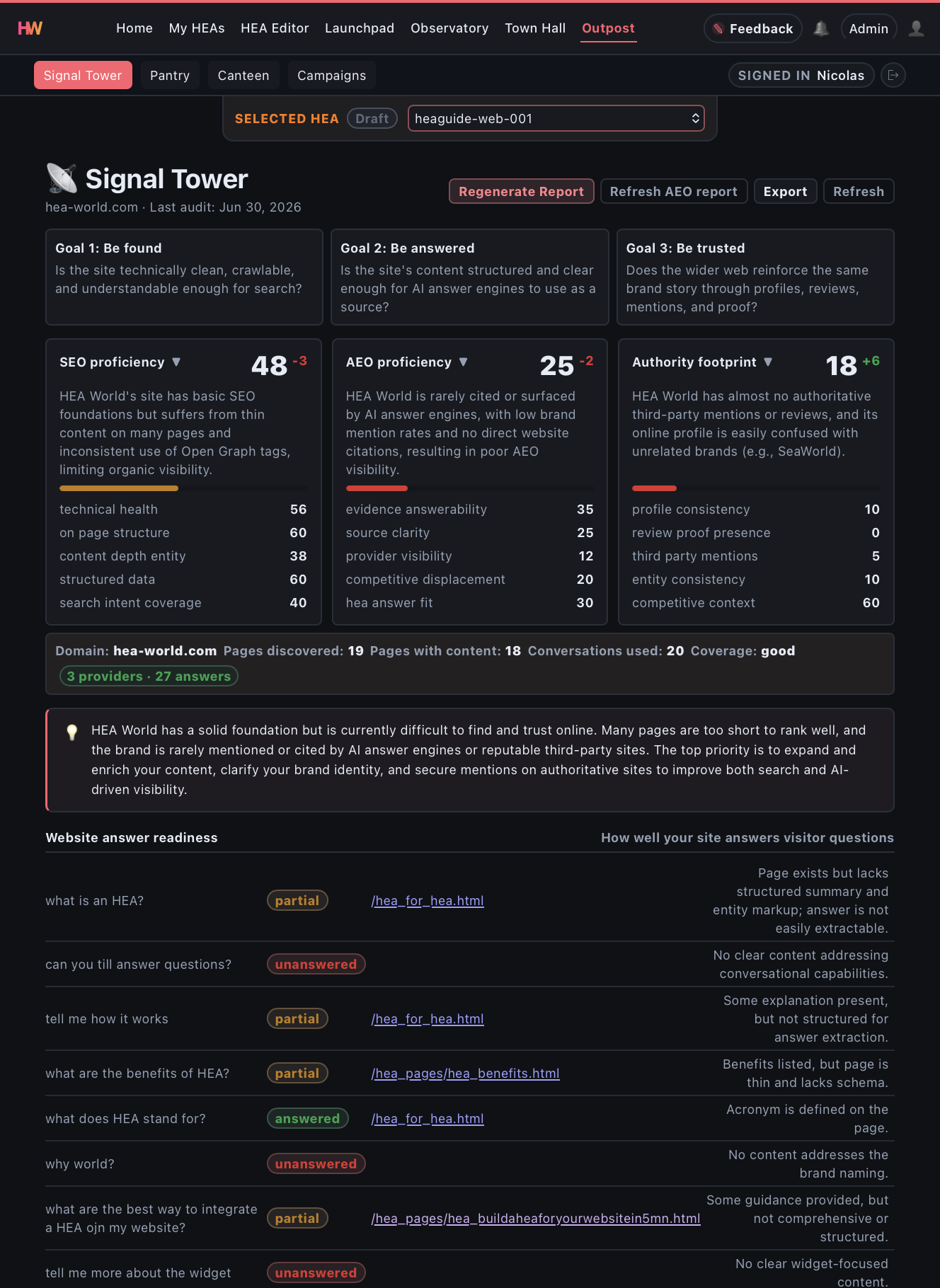
Launchpad Prepare, build, and deploy your AI agent β€” Foundry, Playground, and Setup in one place.
Foundry Turn your content into an AI agent that speaks in your voice β€” no prompt engineering needed.
Playground Test with realistic scenarios before going live. Know what your agent will say.
Observatory Review real conversations, measure conversions, and continuously improve behavior.
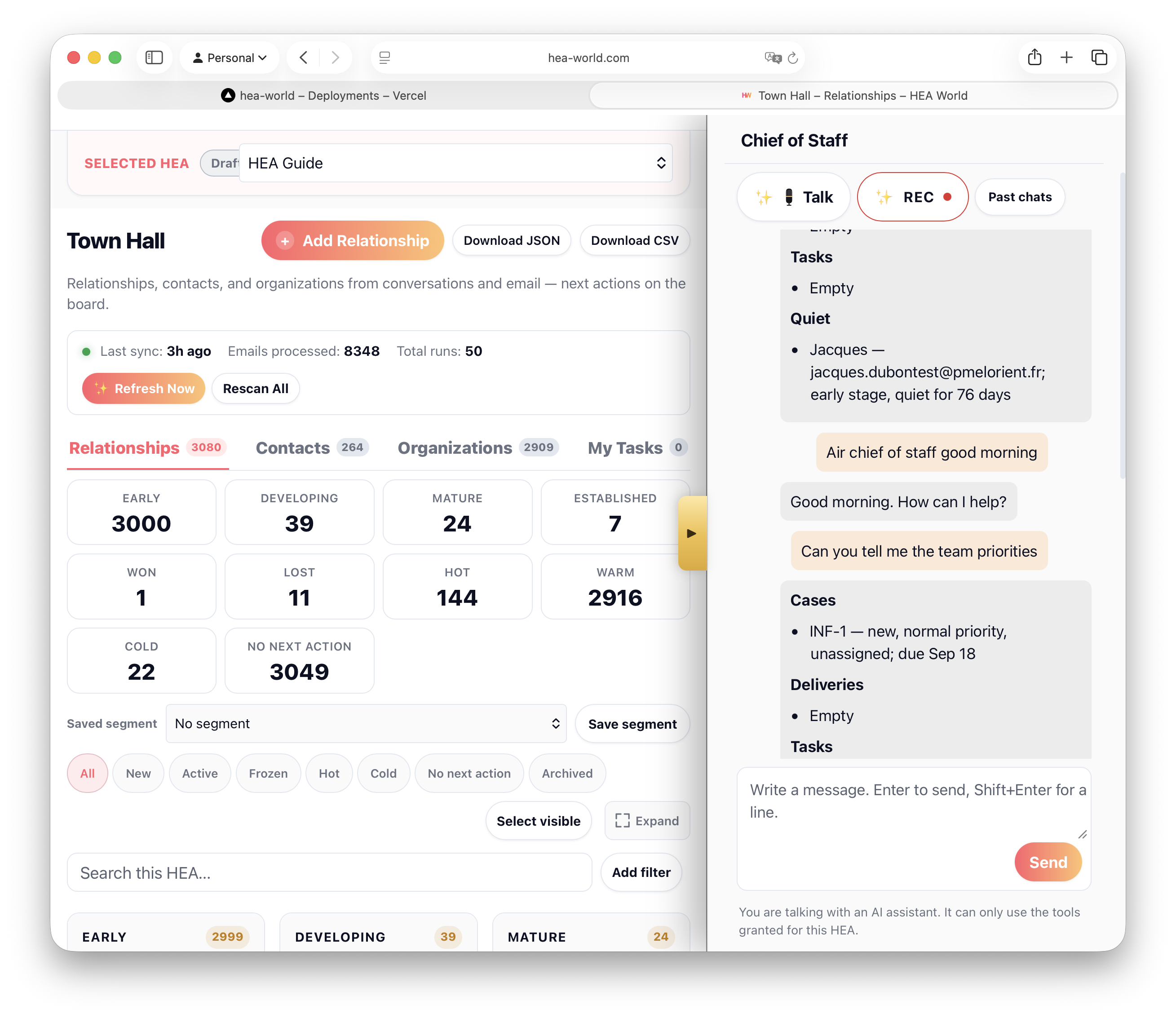
Town Hall Capture people from conversations and email, keep them under companies, filter with saved segments, and act from My Tasks.
Infirmary Turn confirmed support requests and mailbox signals into accountable cases with owners, targets, and replies.
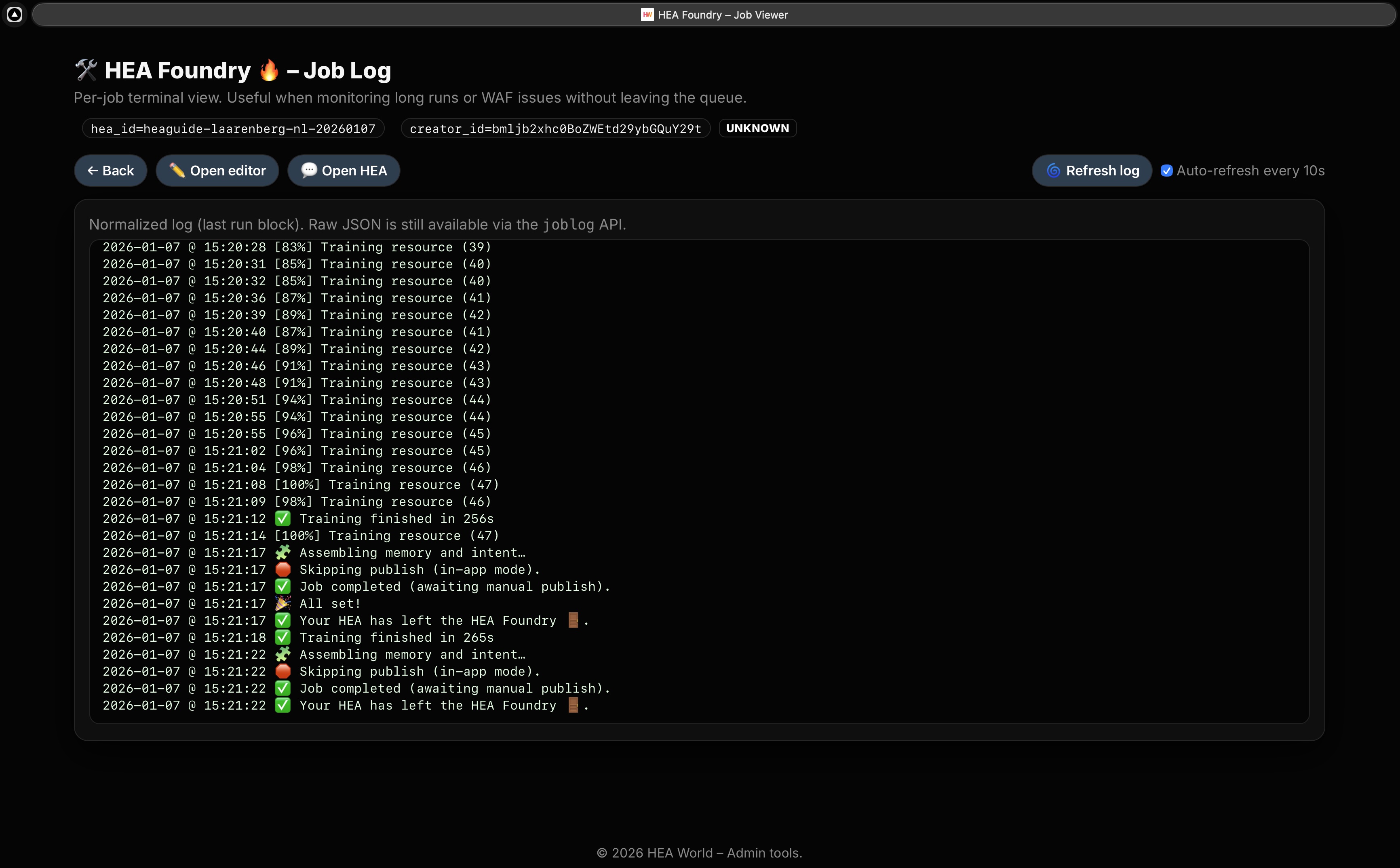
Outpost Signal Tower for visibility. Defense Tower for a site you own. Canteen to draft content in your voice.
Office A Chief of Staff for your team. Ask what matters now, record conversations into shared notes, and confirm important actions.

Try it β€” type a question and see how the HEA Guide responds in real time.

One platform for the full loop.

Anyone can embed a widget. The hard part is deploying something you can trust, control, and justify. HEA-World is built for that full loop β€” from Launchpad through Town Hall, Office, and Counter.

Part of Launchpad

Foundry β€” Create & update agents

Turn your website and documents into a Human-Enhanced Agent that speaks in your voice. Refresh it anytime as your content evolves β€” without prompt engineering.

Your content β€” your tone, your rules
Automated refresh β€” keep the agent aligned with new content
Controlled updates β€” versioned changes
Foundry screenshot (create/update an HEA)
Foundry β€” create or refresh an HEA in minutes
Part of Launchpad

Playground β€” Test before you trust

Validate your agent with realistic scenario packs before giving it responsibility in front of real users. This is how you avoid AI black-box anxiety.
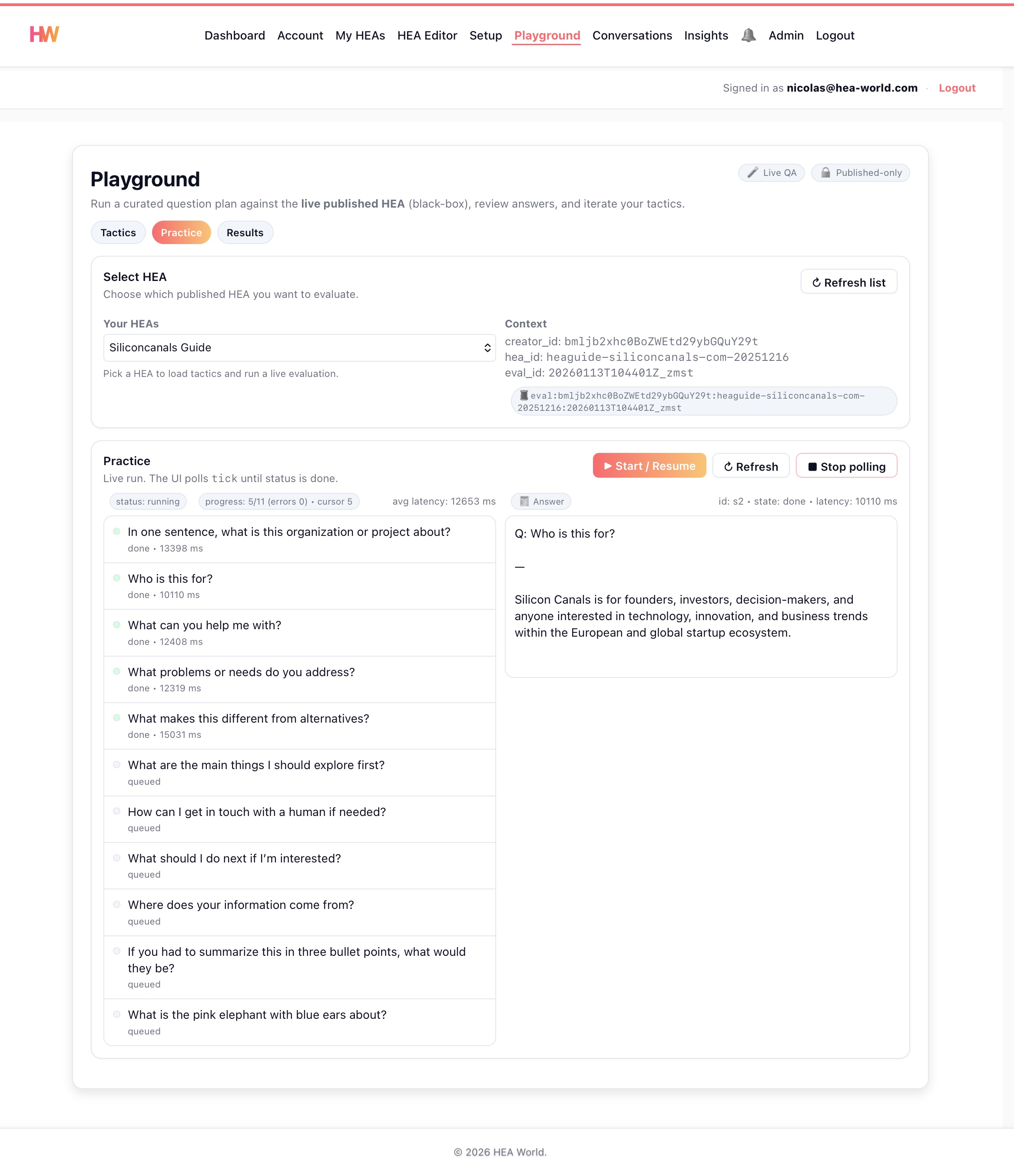
Repeatable scenarios β€” test behavior without impacting real users
Shareable results β€” align teams and stakeholders on outcomes
Pre-deployment confidence β€” know what your HEA will say before it speaks
Playground screenshot (scenario testing) Playground screenshot (scenario testing, dark mode)
Playground β€” run scenario tests and review outcomes

Observatory β€” Watch, measure, and improve

See how your HEA behaves in the real world. Review conversations, track conversion impact, and turn observations into measurable improvements.
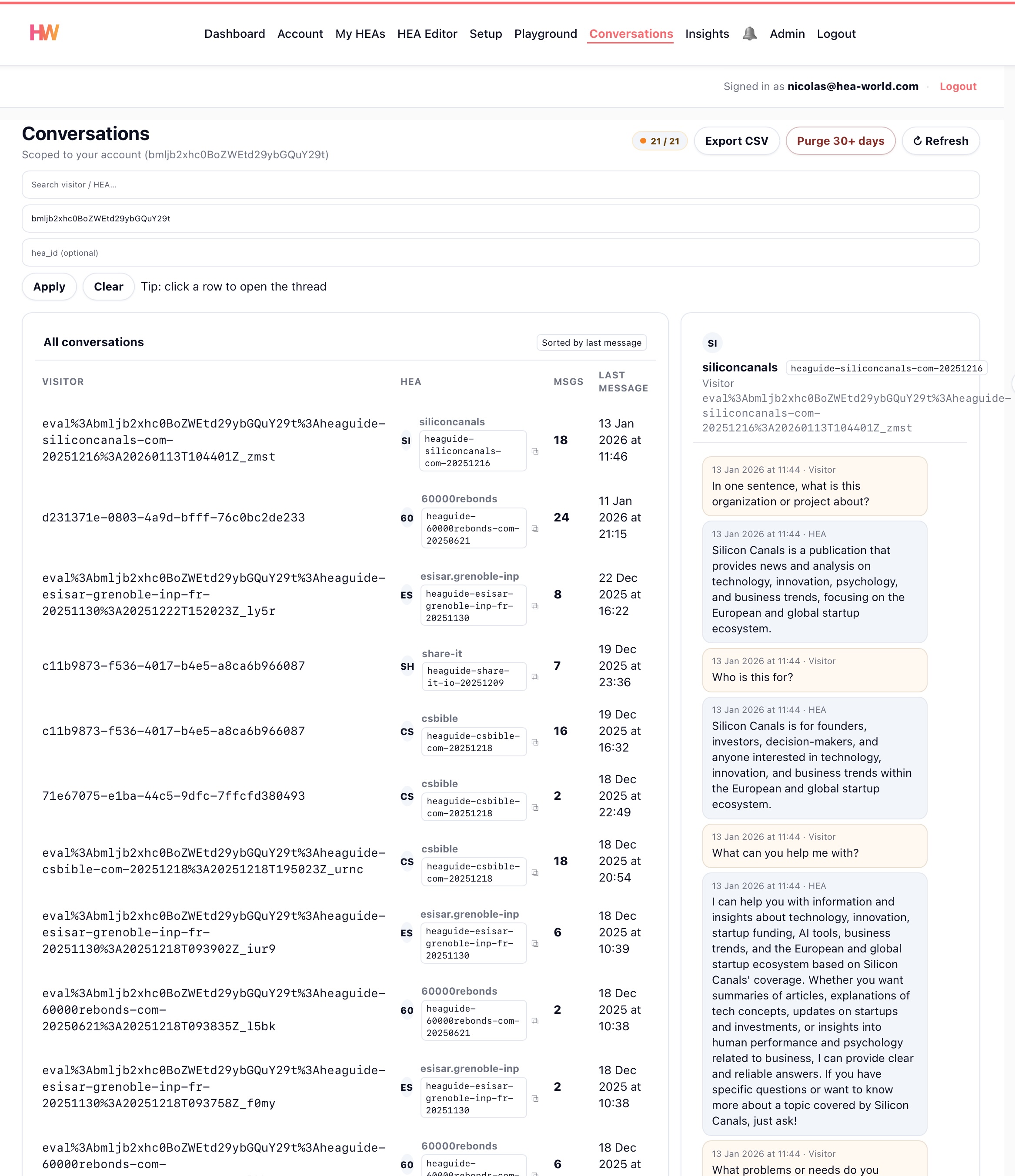
Conversations β€” inspect real interactions end to end, spot drift and gaps
Insights β€” skills & promotions tracking, conversion funnels, and drop-off analysis
Continuous improvement β€” turn observations into concrete refinements
Decision-ready metrics β€” make ROI visible for sponsors and owners
Observatory β€” conversation review and insights Observatory β€” conversation review and insights (dark mode)
Observatory β€” conversations, insights, and conversion analysis

Town Hall β€” Relationships that grow from conversations

Every conversation reveals a relationship. Town Hall captures people from chat and eligible email, keeps them under companies, and puts the next action in front of you.

Relationships β€” pipeline from website conversations and eligible email
Contacts and organizations β€” people under the same company
Segments and tasks β€” save a list cut; My Tasks holds the next action
Import and export β€” move lists in or out; not a live sync to another CRM
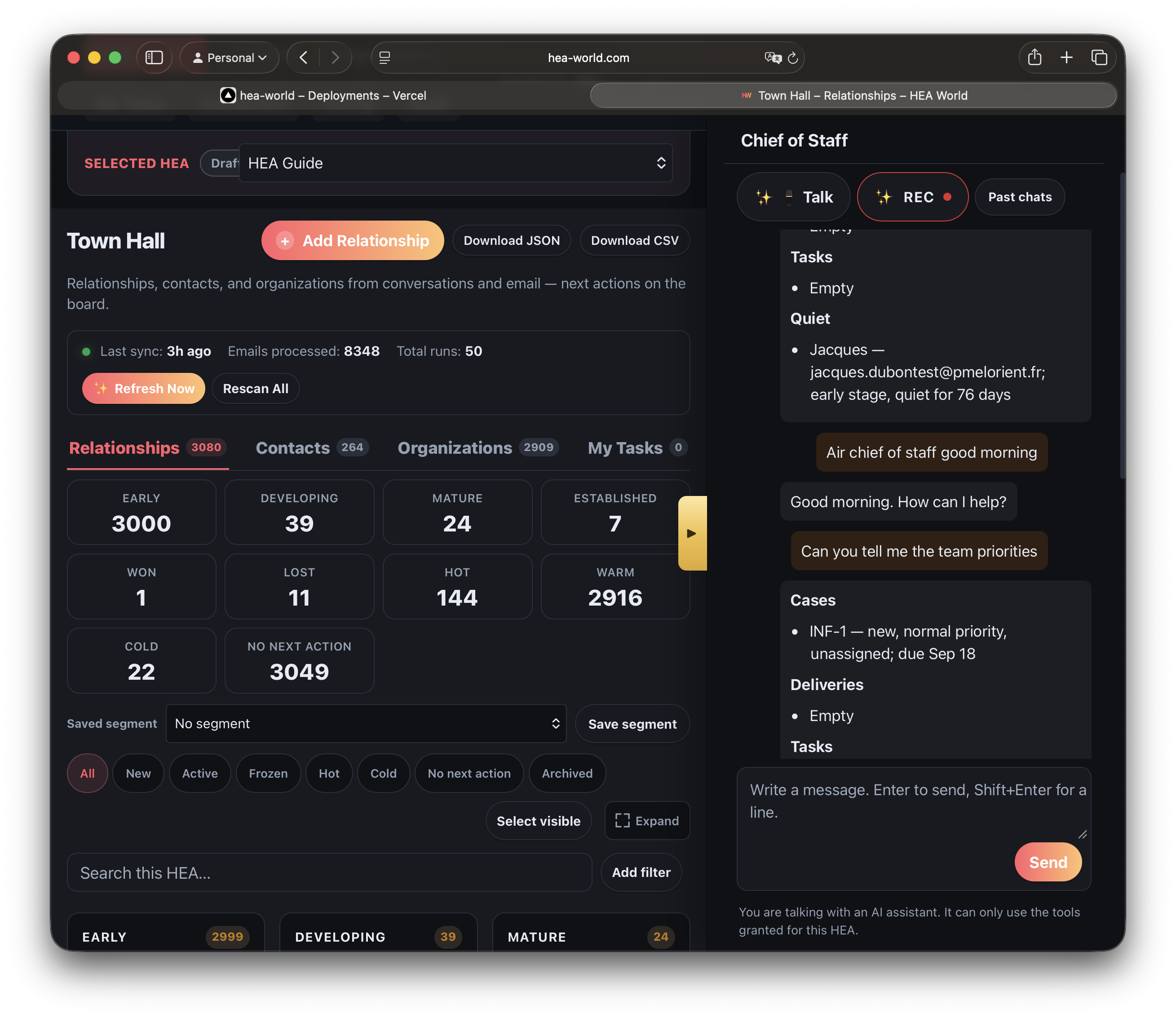
Town Hall β€” relationships, organizations, segments, and next actions Town Hall β€” relationships, organizations, segments, and next actions (dark mode)
Town Hall β€” relationships, organizations, segments, and next actions

Office β€” A Chief of Staff for your team

Ask what matters now, talk through the work, record conversations into shared notes, prepare follow-ups and confirm important actions. Office reads the same Town Hall book your conversations and email already fill.
Desk β€” ask what matters now, from the tools your Mandate grants
Talk and Record conversation β€” team tools. Visitor phone voice is separate
Briefing and ChatRooms β€” shared notes, files, links, and team threads
Confirm β€” a follow-up can be prepared, and a person confirms before it is sent

How the Chief of Staff works

Town Hall relationships beside the HEA Chief of Staff Town Hall relationships beside the HEA Chief of Staff in dark mode
Town Hall and the Chief of Staff β€” relationship context and the next action in one working view

Counter β€” Events and booking

Turn services and events into dates people can book, with capacity, a waitlist, and a roster the team can operate.

Public Counter β€” publish the offerings and dates visitors may book
Capacity and waitlist β€” allocate real seats and keep excess demand visible
Agenda and Board β€” see who is coming and what each date needs
Clear boundaries β€” no card payment and no silent Town Hall relationship write

See event booking

Counter public booking page with bookable dates and available seats Counter public booking page with bookable dates and available seats in dark mode
Counter public booking β€” listed dates, availability, and a first-party path to the booking

Infirmary β€” Customer support with visible ownership

When a visitor needs help, Infirmary turns confirmed requests and support mailbox signals into cases your team can triage, own, answer, and resolve.

Support Ward β€” kanban cases with status, priority, owner, and SLA target
Support Connectors β€” connect support mailboxes without requiring CRM access
Conversation context β€” link each case back to the source chat or email evidence
Human replies β€” send or log customer responses with role-based control
Infirmary β€” Support Ward kanban with customer cases Infirmary β€” Support Ward kanban with customer cases (dark mode)
Infirmary β€” support cases, response targets, ownership, and mailbox review

Outpost β€” Visibility, exposure, and content in your voice

Signal Tower asks whether people can find you in search and AI answers. Defense Tower checks a website you own from the outside. Canteen drafts posts, emails, and articles from the brand story you approved in Brand Pantry β€” you review before anything is published.

Signal Tower β€” 5-pillar audit: technical health, content, structured data, authority, answer readiness
Defense Tower β€” weekly outside check: connection, common web protections, domain authenticity
Canteen β€” draft LinkedIn posts, emails, and articles in your voice, with images to match, ready for your review
Brand Pantry β€” review and approve your brand story so Canteen stays on-message
AI Provider Snapshot β€” checks if Perplexity, ChatGPT, and Gemini mention your brand

See grounded content generation

Outpost β€” Signal Tower audit scorecard Outpost β€” Signal Tower audit scorecard (dark mode)
Outpost β€” Signal Tower, Defense Tower, and Canteen in one workspace

Who it’s for

Built for organizations that want AI to speak for them β€” in their voice β€” with control, verification, and measurable outcomes.

Associations & NGOs

Scale guidance, onboarding, and information β€” while staying aligned with your mission and tone.

SMEs & Pro Digital Agencies

Deploy a brand-true agent for clients and prove value with observable outcomes.

Founders & Marketing teams

Turn your knowledge base into an always-available front desk β€” without losing your voice.

Contact our team

Tell us your profile and project goals. We will route your request to the right person (client support, partner, investor, or press).

Ready to build your AI agent?

Create, govern, and deploy in minutes β€” free to start, built to scale.